How to change the email frequency for notifications?
Last updated
Choose how often yourDNA.family sends research updates to your email address. You can also choose which kinds of updates to receive on the same page.
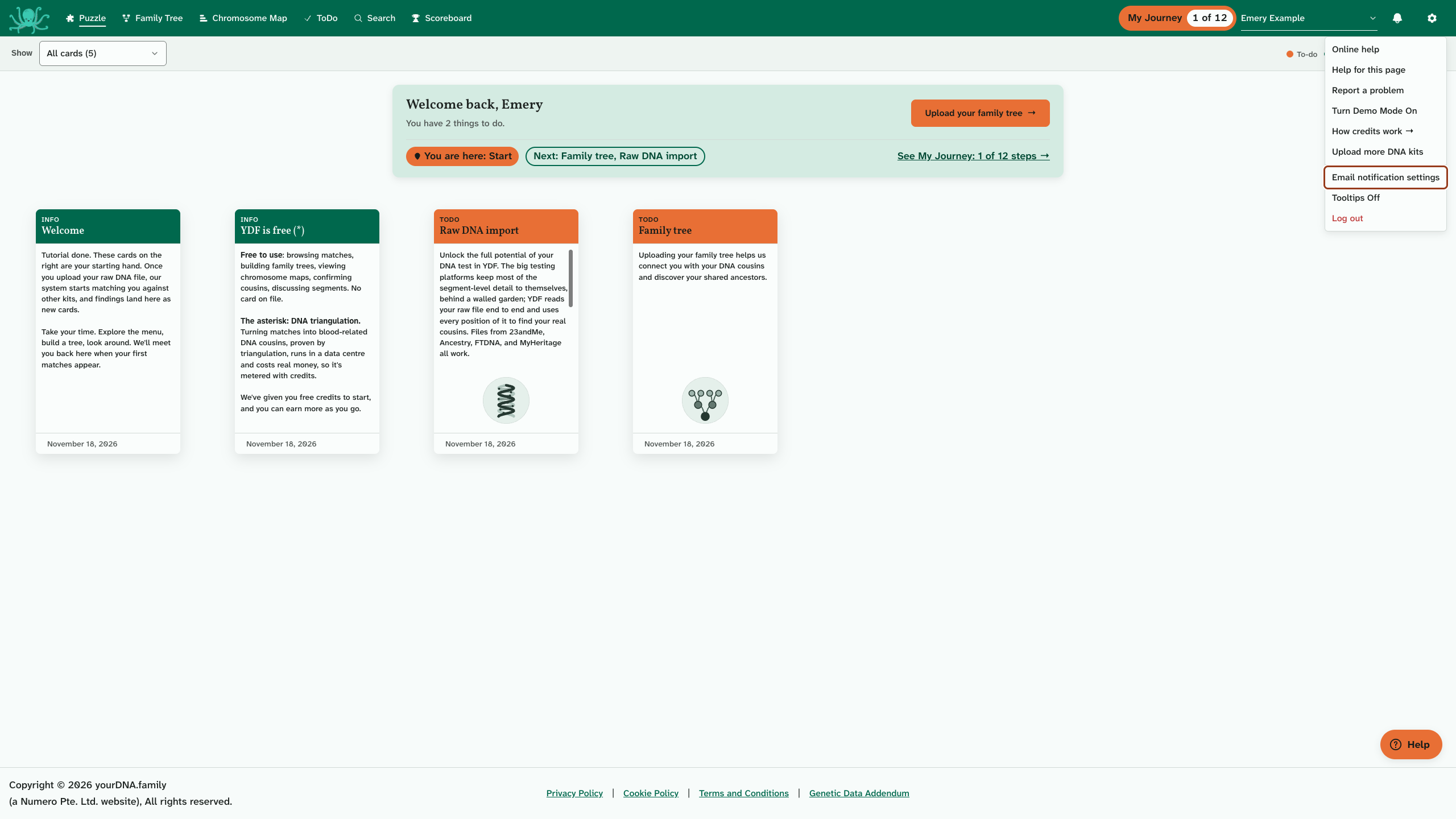
Open the email settings
- Sign in to the yourDNA.family app.
- Open Settings at the top right of the app.
- Choose Email notification settings. The page that opens has the heading Email notifications.
Choose how often you want email
Find How often should we email you? near the top of the page. Select one option.
- Daily, only when there's news. Choose this if you want to hear about new activity as it happens.
- Weekly. Choose this if you prefer a weekly update.
- Monthly. Choose this if you prefer a monthly update.
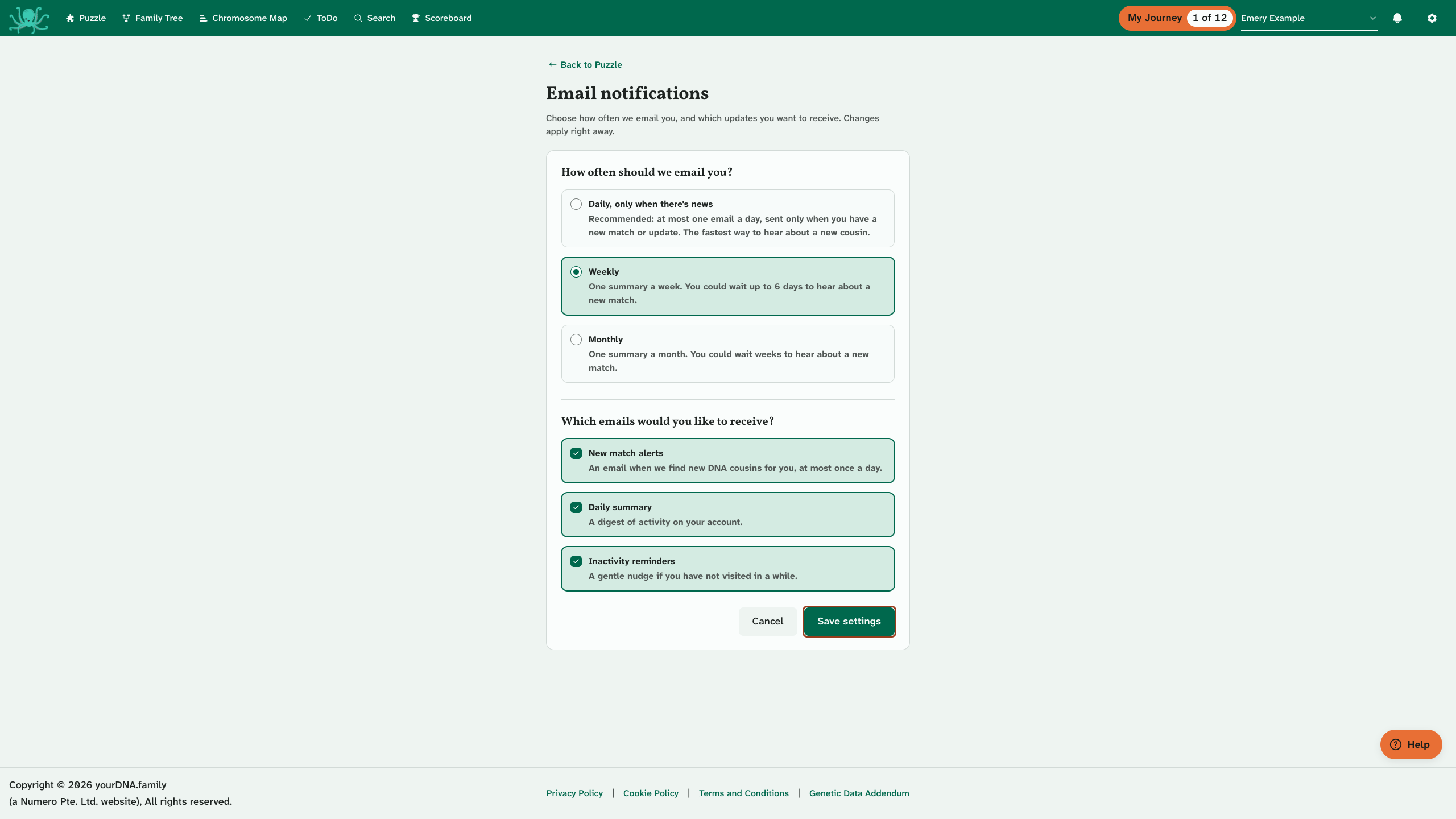
Scroll to the bottom of the form and choose Save settings. The app returns to Puzzle and confirms your new frequency at the top right. Watch the example from Settings through the save confirmation.