How to find and correct people without a proper gender in your GEDCOM file
Last updated
It's a requirement that everyone in your genetic family tree has a proper biological gender (either "M" or "F")
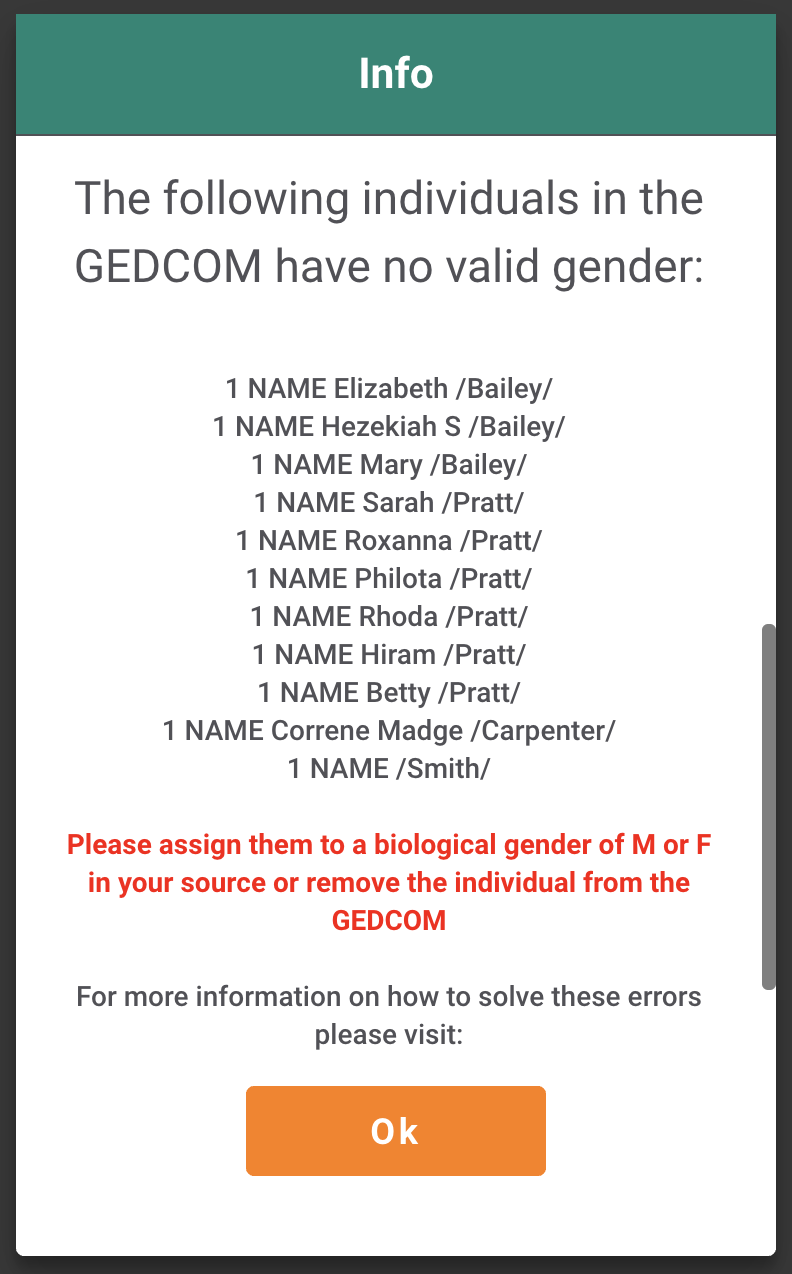
Otherwise your GEDCOM import will fail and a modal is displaying all individuals with no valid gender:
Correct the error in your genealogical source
Rectifying Errors:
It is crucial to address errors in the original data source rather than correcting them directly within the GEDCOM file. For example, if using Ancestry.com, corrections should be made on the platform's website. Failing to do so may result in persistent inaccuracies in subsequent GEDCOM exports and shared family trees.
Now you can import your GEDCOM file.