How to remove a spouse from your family tree.
Last updated
Use this procedure when you need to delete a spouse's record from the tree. Deleting the record also removes its links, including links to children. You cannot undo this action.
Choose Family Tree in the app's top bar. Check that the view says All. If it says DNA, choose DNA to see everyone in the tree.
Open the list of spouses
- Find the card of the person whose spouse you want to review.
- Move your pointer over the card to open its actions.
- Choose Wife or Husband, whichever appears. The app opens the list of spouses for that person.
- Check the name in the list. Choose Delete next to the spouse you intend to remove.
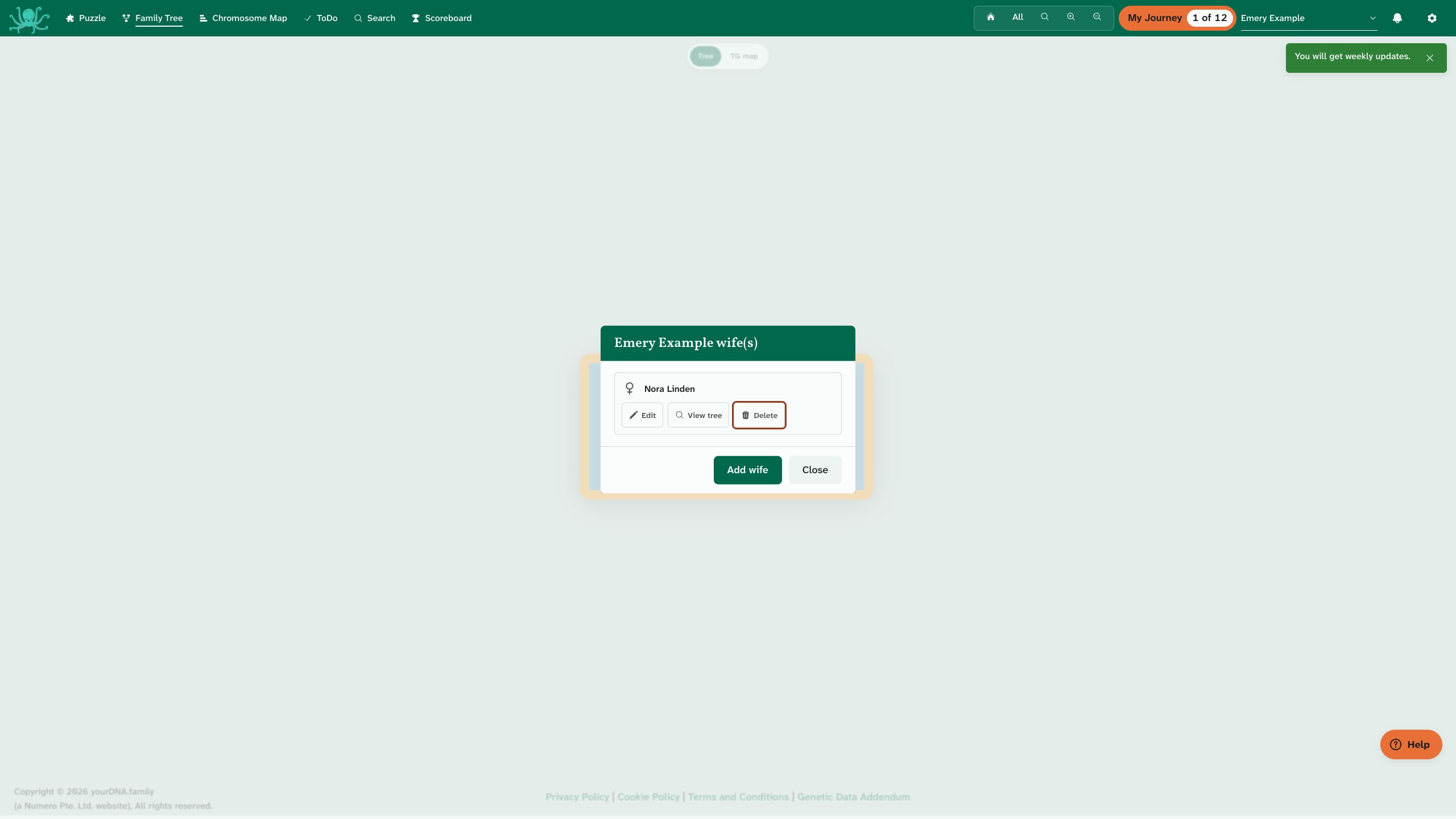
Read the warning and check the result
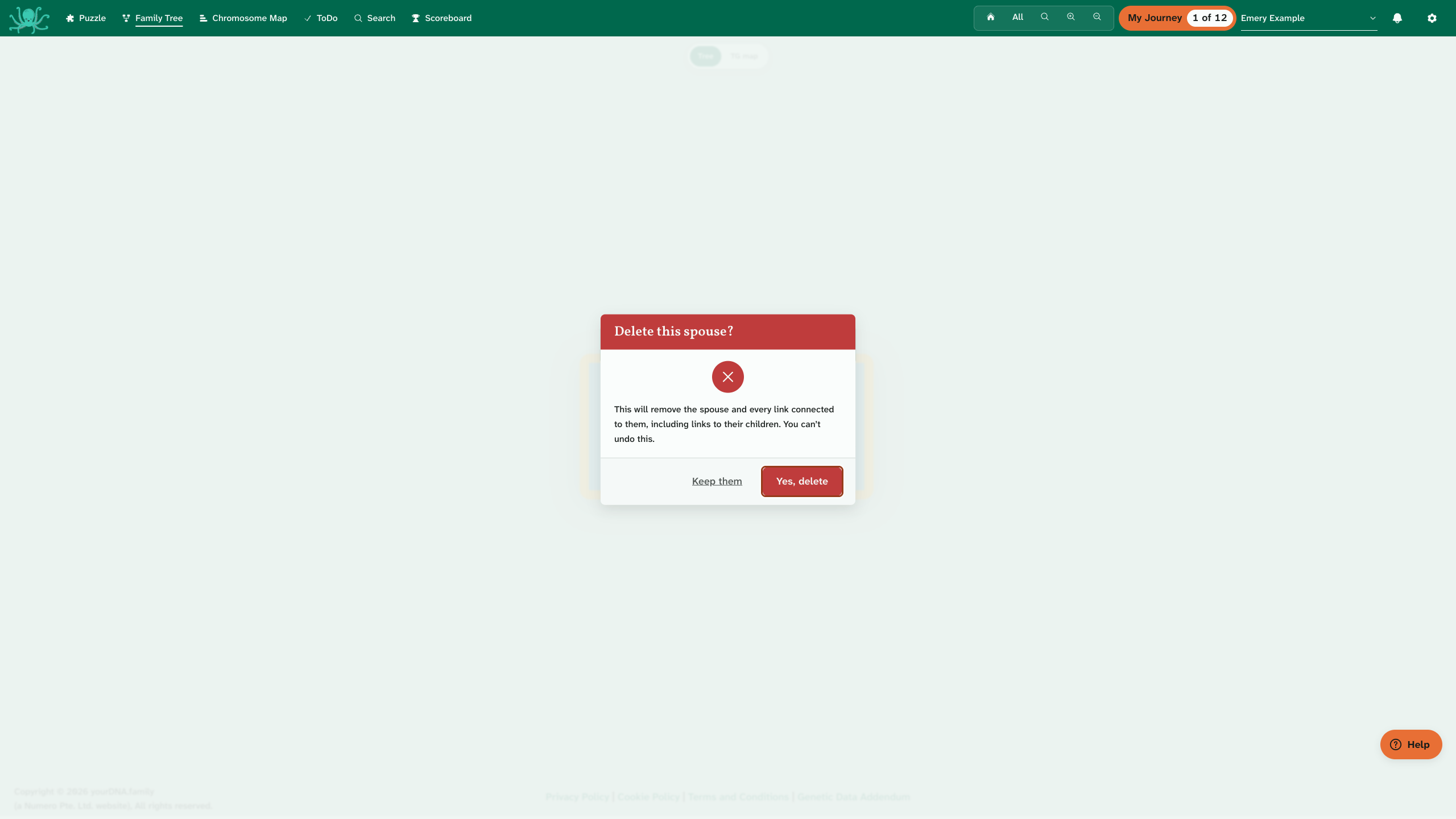
Read the warning and check the connections you want to keep. To keep the record, choose Keep them. To remove the person and their links, choose Yes, delete.
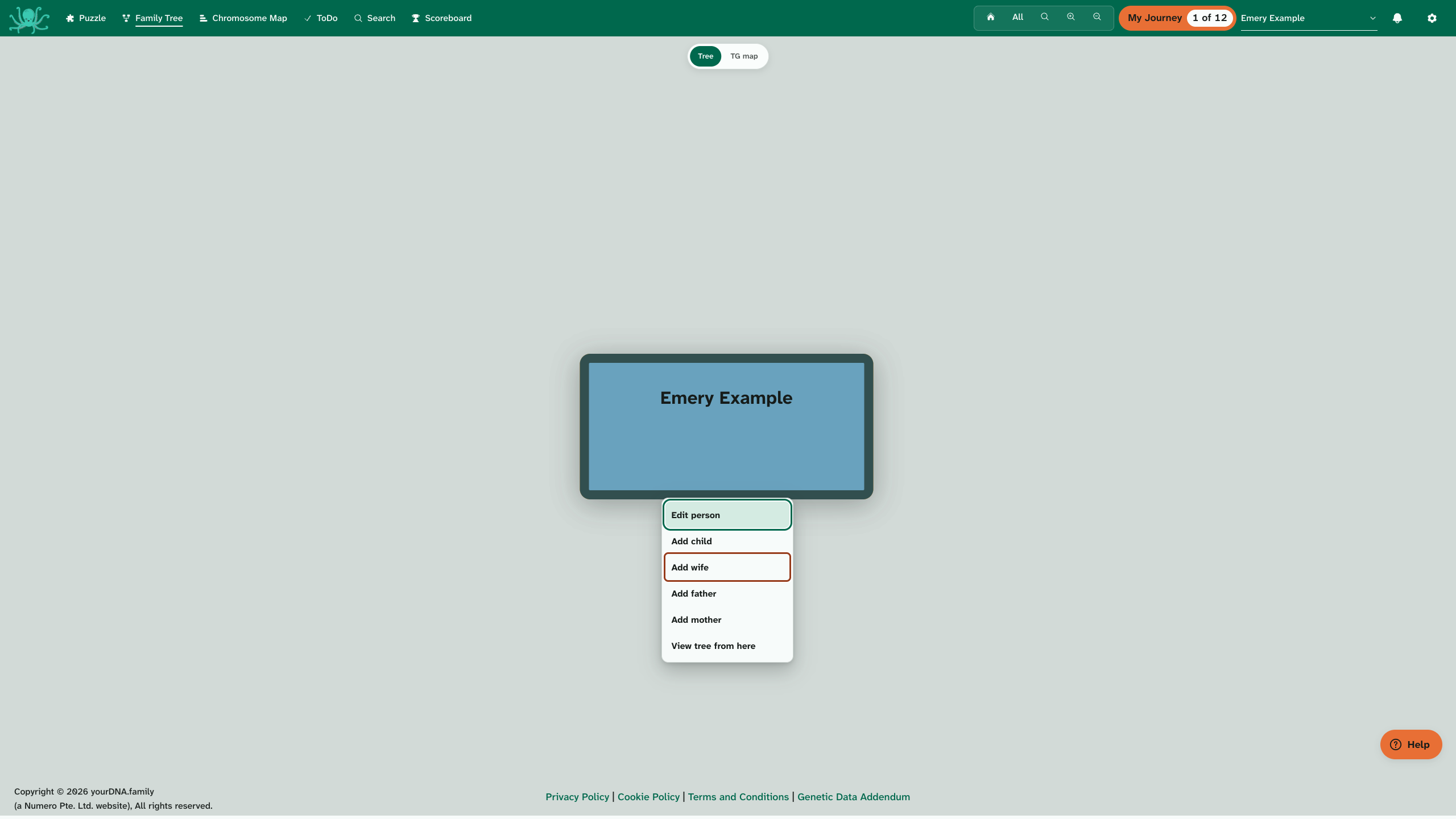
Wait for the tree to refresh. Open the actions for the person you started with. If other spouses remain, open the list and check that the deleted name is gone. In this example, Add wife returns because Nora was the only spouse. Watch the example through the tree refresh.
If the warning says the person is DNA-confirmed, read it first. The person may connect a branch to a shared ancestor. Deleting the record can affect that connection and shared DNA evidence.