How to connect a DNA cousin to your family tree?
Last updated
If you know where a DNA cousin fits in your family tree, start with a relative who already has a card. To add a father, start with his child's card. To add a child, start with their parent's card.
Open the relationship options
- Choose Family Tree in the top bar.
- Find the relative’s card. If DNA is active and you cannot see the person, switch to All.
- Move your pointer over the card to open its actions. With a keyboard, focus the card and press Enter.
- Choose the relationship, such as Add father or Add child. The first example uses Add father.
- Under Who do you want to add?, choose DNA cousin if it appears.
Choose the match
- Read the relationship in the heading. For Add father, it says Assign DNA cousin to the new father.
- Select the match from the list.
- Choose Assign.
If the app has a match group selected, it limits the list to matches in that group. You can select a group by opening a New group or New Cousin card in Puzzle.
If you see No cousins found, the list is empty and Assign is unavailable. Choose Cancel. Check the name on the card and the relationship you chose. If you opened a match group, check whether that group includes the cousin.
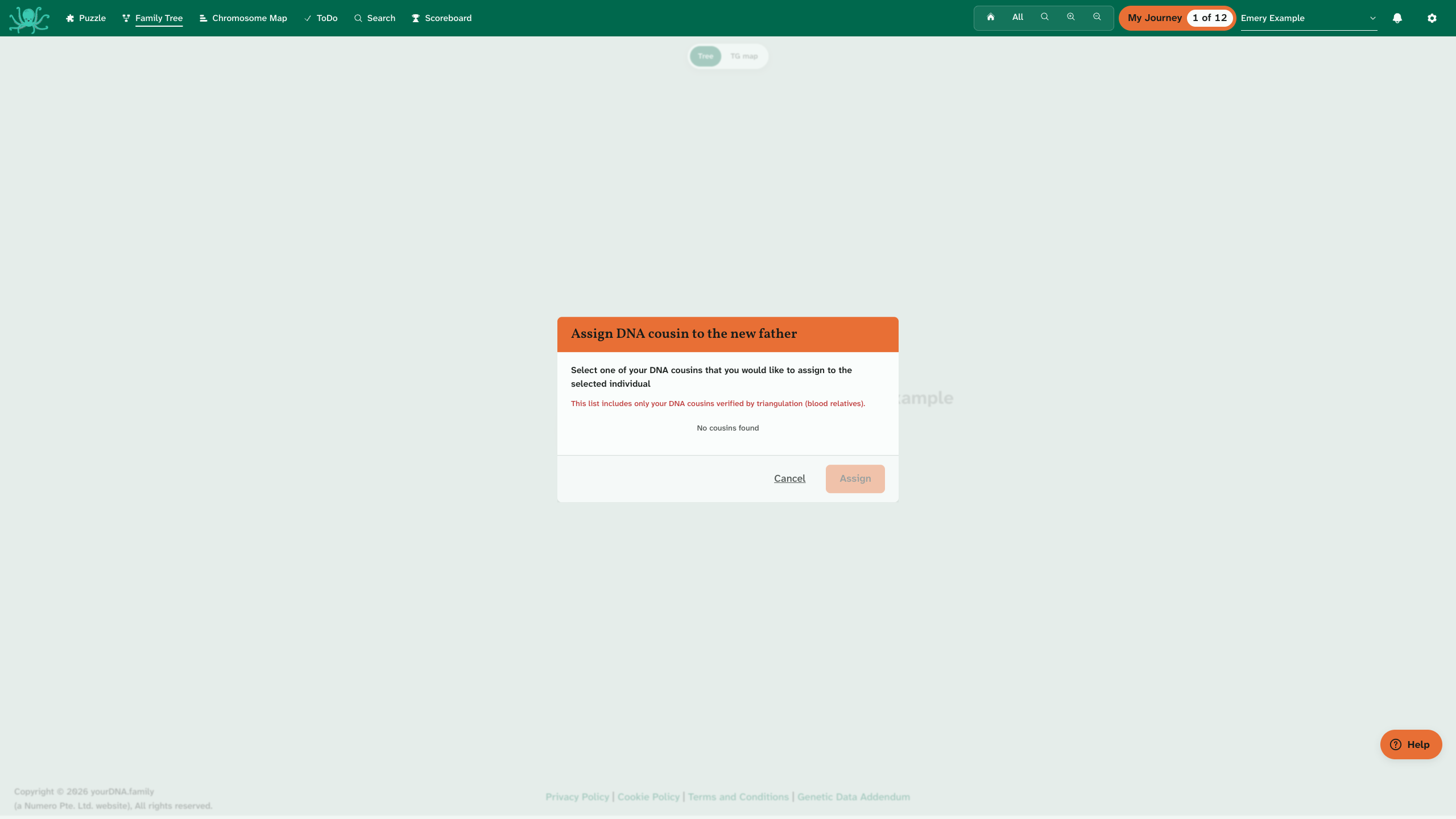
Open the empty picker at full size.
Check a saved link
When the app saves the link, it updates the tree. Find the person you added. Follow the line back to the card where you started.
In this father example, the line connects Avery Arbor to Emery Example. The Children entry on Avery's card shows 1.
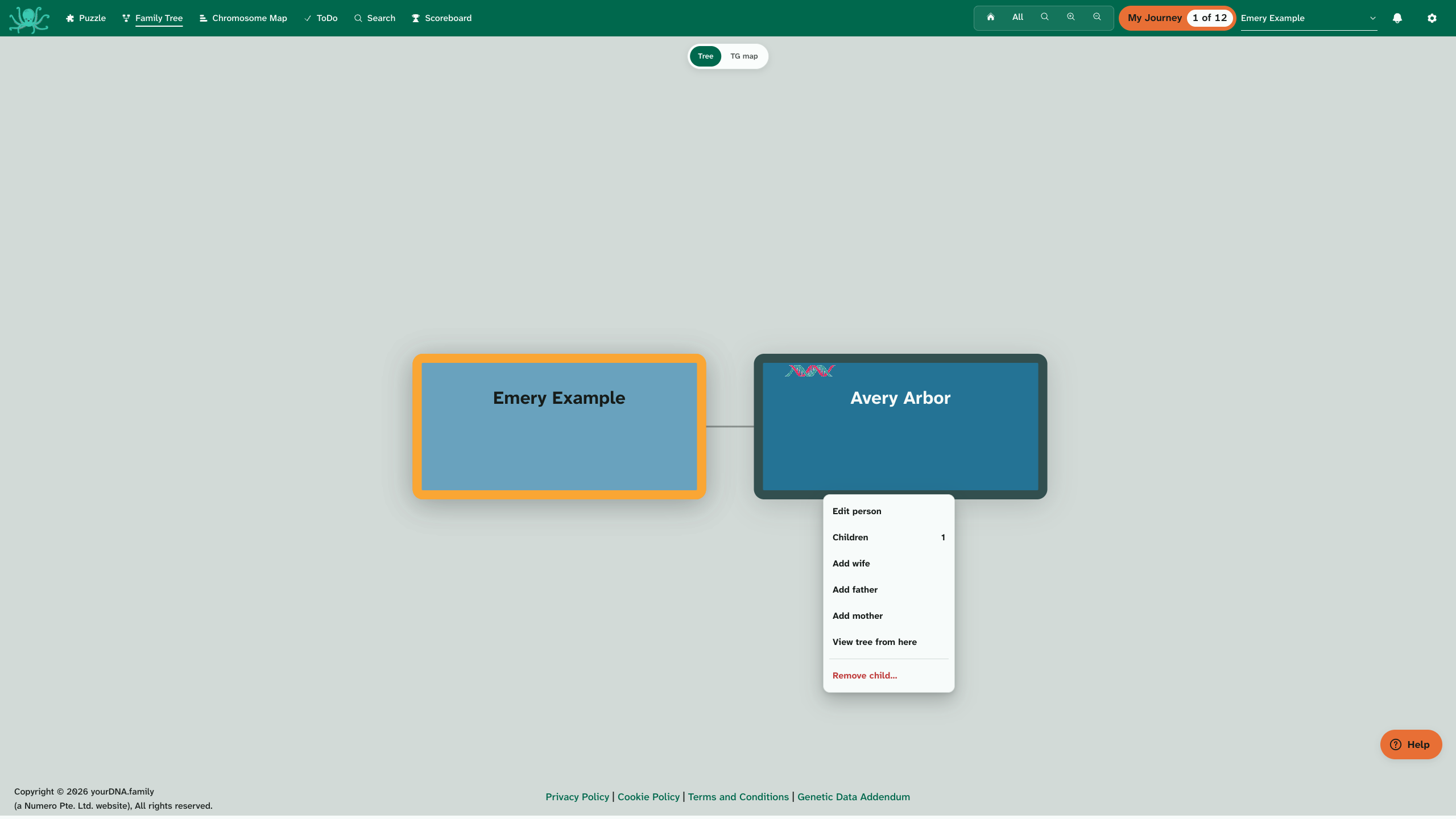
Open the saved father link at full size.
When a link needs approval
If you see Your link was sent for approval, the app has asked the other DNA kit owner to review the link. Choose Close at the bottom right of the notice. The link appears in your tree after the owner approves it. The app also adds it automatically if the owner does not reply within seven days.
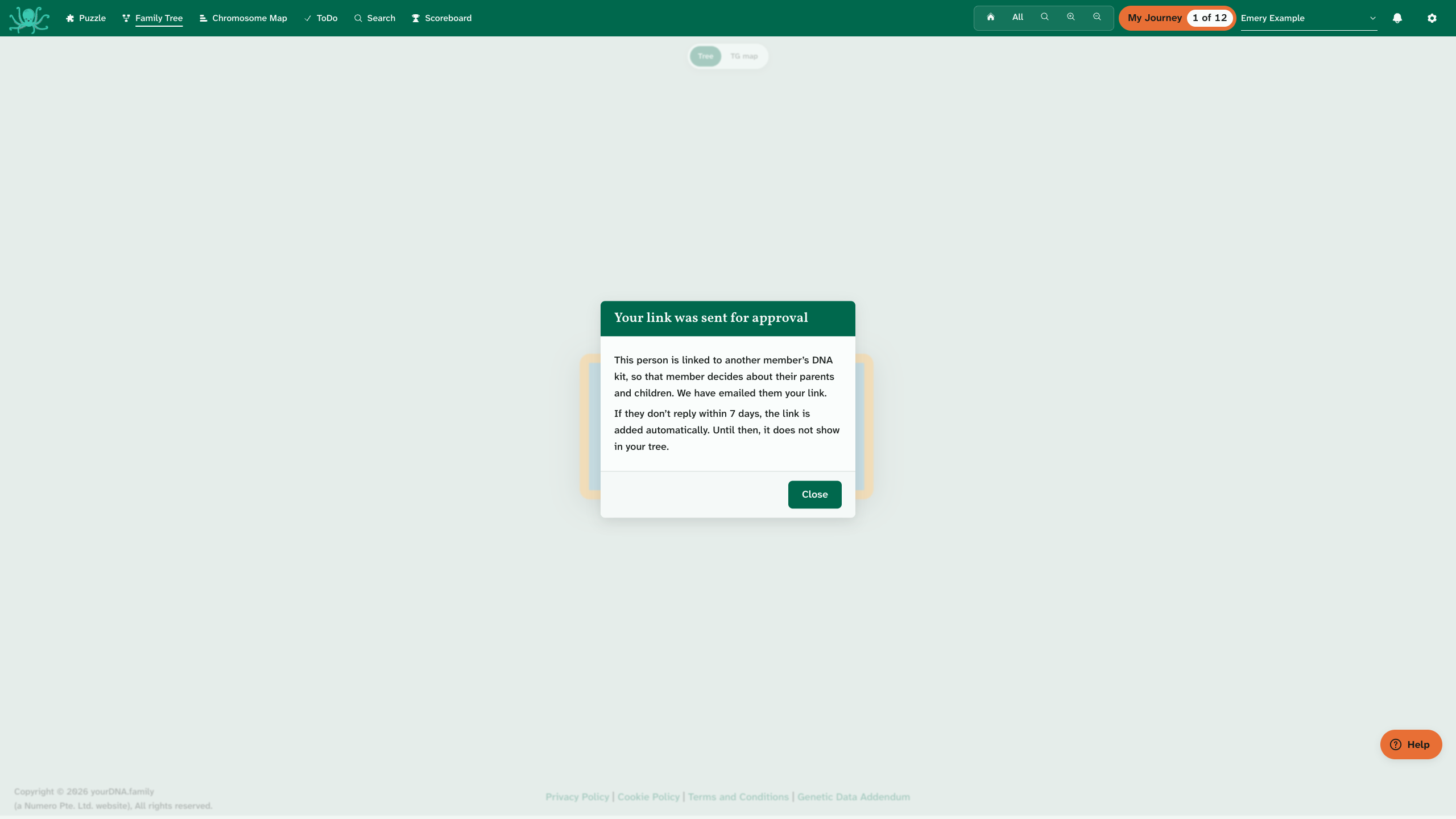
Open the approval notice at full size.
When the app asks about two parents
If you choose Add child, you may see Action needed after you choose Assign. Read the child's name and both parents' names. If both relationships are correct, choose Yes at the bottom right.
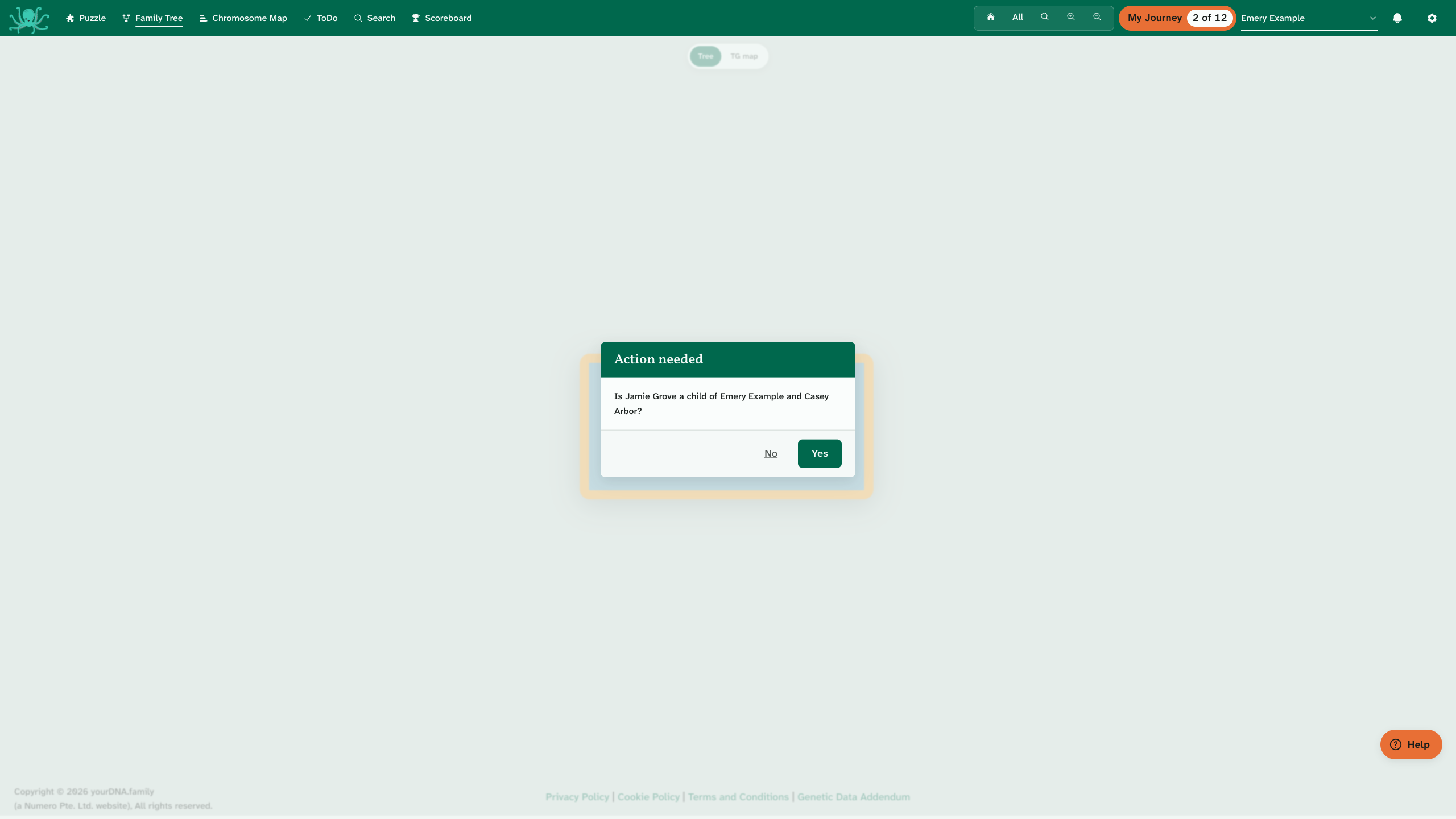
Open the two-parent question at full size.
The app can save one parent link while the other waits for approval. After you close the notice, check each link in the refreshed tree.
In this example, a line connects Jamie Grove to Emery Example. The link to Casey Arbor is still pending.
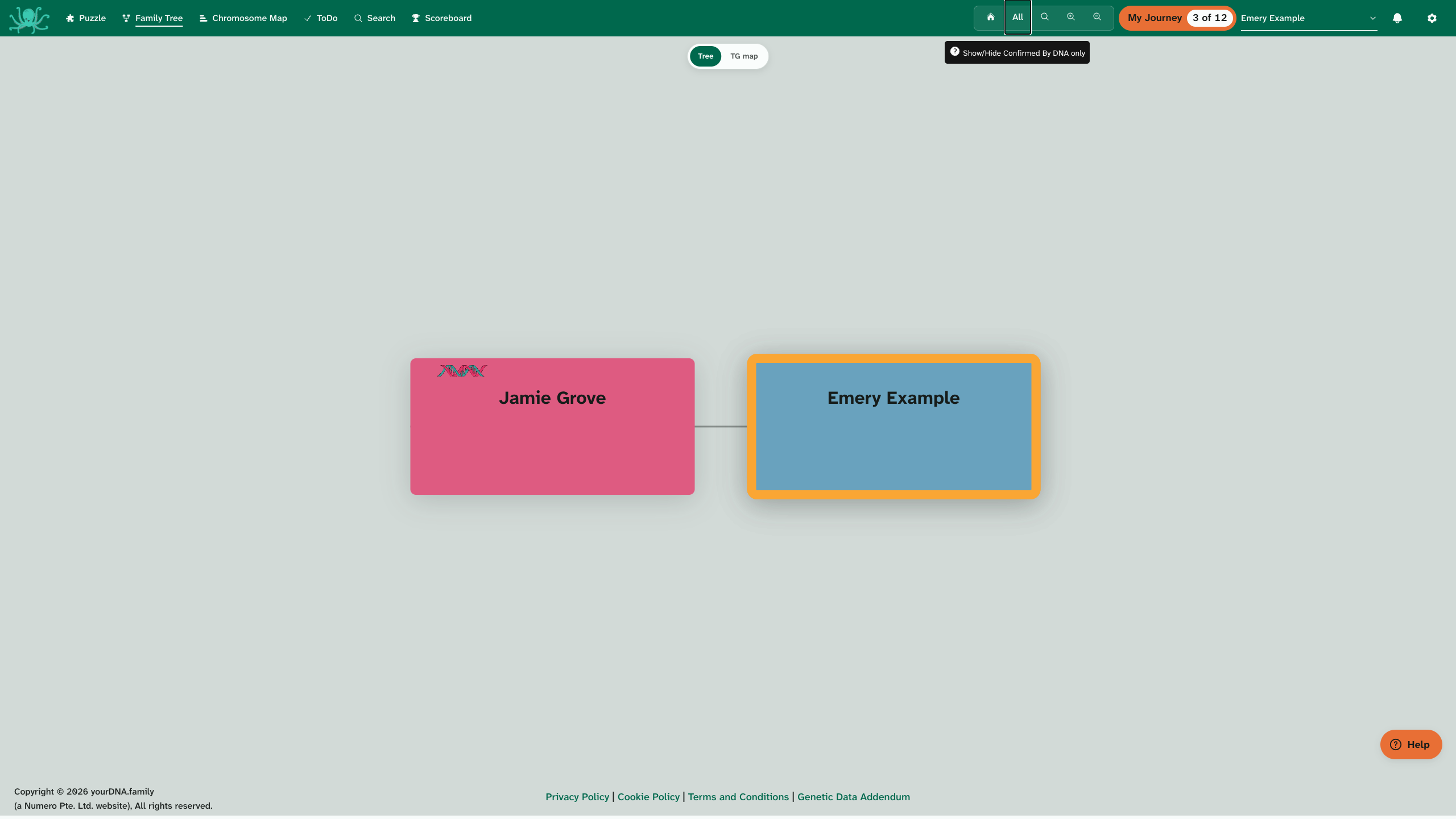
Open the saved link at full size.
See how to add a parent for the other options in the same menu.