How to install the "Your DNA family" app on Linux
Last updated
Step 1:
There are no known problems on Linux itself, as usual please change the permission on the .AppImage to be able to execute it, then you will be able to use it
Note for ChromeOS users: We currently don't support ChromeOS
Step 2:
Once the app is installed our app will open automatically. As the app checks for updates automatically every 5 minutes, it might happen that it immediately starts to download the newest version:
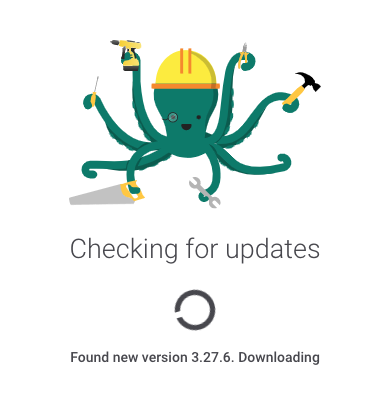
Give it some 30 seconds (depending on your internet speed) to do so.
Login with your usual email and password you used for our website. You will be prompted to also enter your 23andMe email and password (as those are now kept on your computer).

Enjoy the smoothness of our native app
More in Troubleshooting
- How to add the "Your DNA family" app to the exclusion list for your Windows Antivirus Program?
- How to install the "Your DNA family" app on macOS
- How to install the "Your DNA family" app when you have an Antivirus program
- I've registered as a new user but I'm unsure how to continue
- Installing the "Your DNA Family" App on Windows